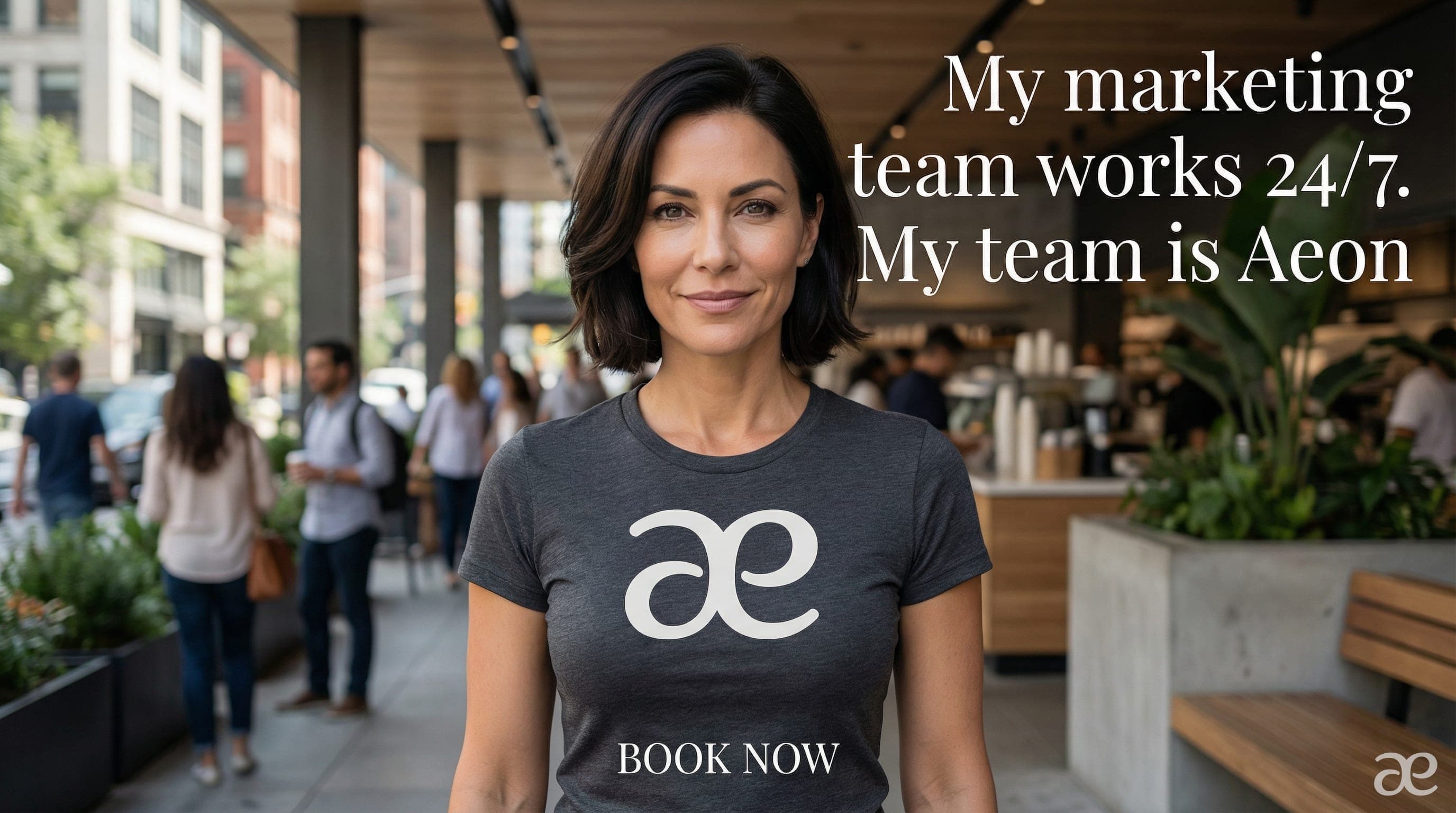


This playbook will make an Instagram-friendly video ad from the user's product image or logo. Be sure to respond to each step with any intermediate generations so the user can see the progress. Here are the steps:
- Ask for some ideas on what they would like in the ad creative, what headline, and what call-to-action. Ask for fonts and branding as well. Ask for aspect ratio.
- Ask for the product image, logo, or some other assets you would like them to incorporate.
- Come up with a creative brief which details the ad campaign. It is a single clip that ends with the headline and call to action. You need to visualize the start which is really attention grabbing, and how it flows to the end of the clip with the call to action. The clip is only 5 seconds, so really it needs to be just one concept. You need to describe any setting, people, objects, etc. Respond with the creative brief and see if the user likes it or wants to make changes.
- Make an image with Nano Banana Pro, 2k resolution. You need to use the image to image version, with their product or logo provided. Be sure to make a strong prompt that captures everything in your creative brief. Keep in mind the headline and call to action are part of this image too, and it needs to be creatively incorporated to look like an advertisement. This will be the 'end frame' with Veo start frame / end frame animation. Important: ensure the aspect ratio matches what the user has confirmed! Confirm the image with the user once it has been generated.
- Next, you need to make the 'start frame' with Nano Banana Pro, 2k. To do this: a. Provide as input the image from the previous step (the end frame image). Important! We need to keep the aspect ratio consistent throughout this playbook, so the image you generate here must be the same aspect ratio as the image above. b. Prompt it to remove all text and call to action references. c. Finally, include in the prompt 'imagine what should be in the image if we rewind time 8 seconds'. ** Important, be sure that key inanimate objects also exist in the reference (end frame) image! This image must be quite similar to the reference image, we just need some sense of time passing between this image and the next image. d. Confirm the image with the user.
- Then, use the Veo start frame / end frame, 6 seconds, 720p, no audio, to make the animation with the start and end frame images from above. Ensure the aspect ratio is consistent with the images provided. Be sure to prompt it so that our text appears in a creative way and the action makes sense. Suggest steady or still camera. You don't need to spell out the headline in the prompt as it is in the image. You can just refer to the headline text and call to action (if you spell it out it may additional text). In addition, there are people behind her who need to be animated in a natural way as well. ** Important use the trim_to_last_frame feature.